
Every owner has a handful of questions they ask again and again. How many children are in each class? Who has not paid Term 2? Which children have been absent a lot this month? Answering them from registers and spreadsheets eats up hours.
SchoolBee comes with more than 25 ready-made reports. Each one has filters, a chart where useful, and one-click export to Excel or PDF.
In this guide
The reports, by area
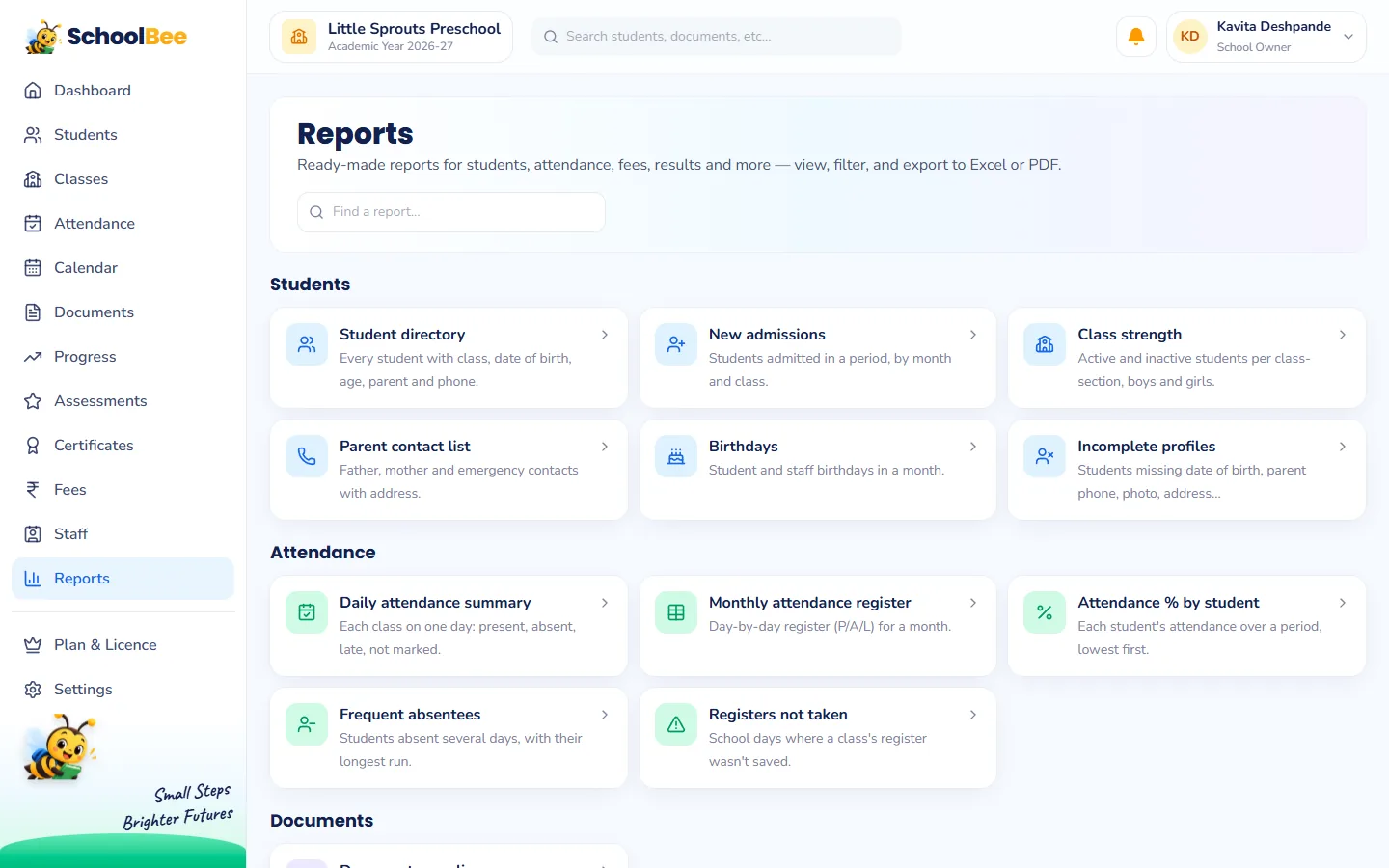
| Area | Reports |
|---|---|
| Students | Student directory, New admissions, Class strength (boys and girls), Parent contact list, Birthdays, Incomplete profiles |
| Attendance | Daily attendance summary, Monthly attendance register, Attendance % by student, Frequent absentees, Registers not taken |
| Documents | Document compliance |
| Fees | Fee collection (day book), Outstanding dues & defaulters, Fee summary by class, Concessions given, Additional charges |
| Assessments | Class result summary, Result entry status |
| Certificates | Certificates register |
| Staff | Staff directory, Payroll summary, Staff documents missing |
| Calendar | Holidays & events |
Five reports owners use every week
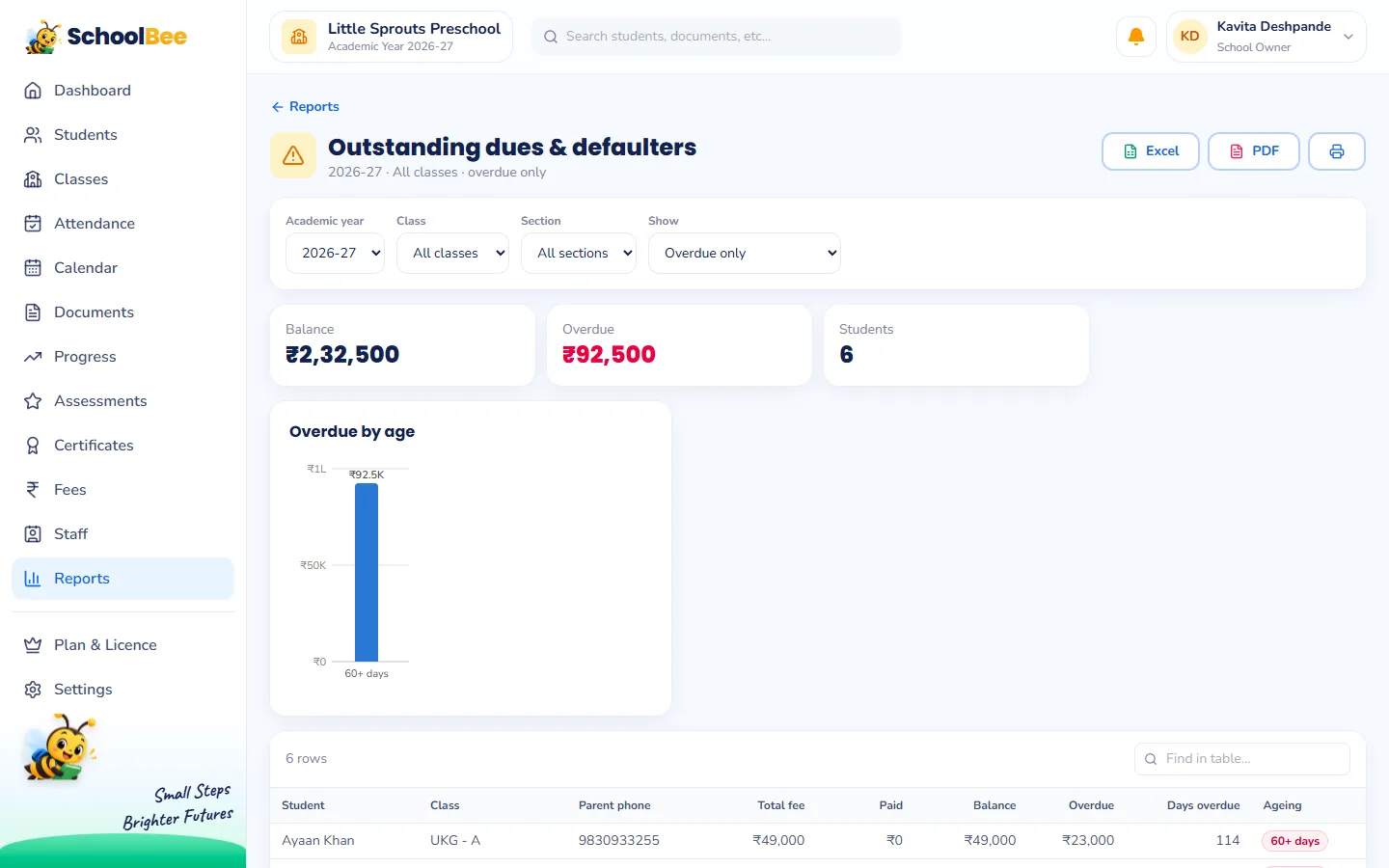
1. Outstanding dues & defaulters
Who owes what, the overdue amount and how long it has been overdue, with a chart of overdue fees by age. Export it and you have your follow-up call list. Read more about fee management.
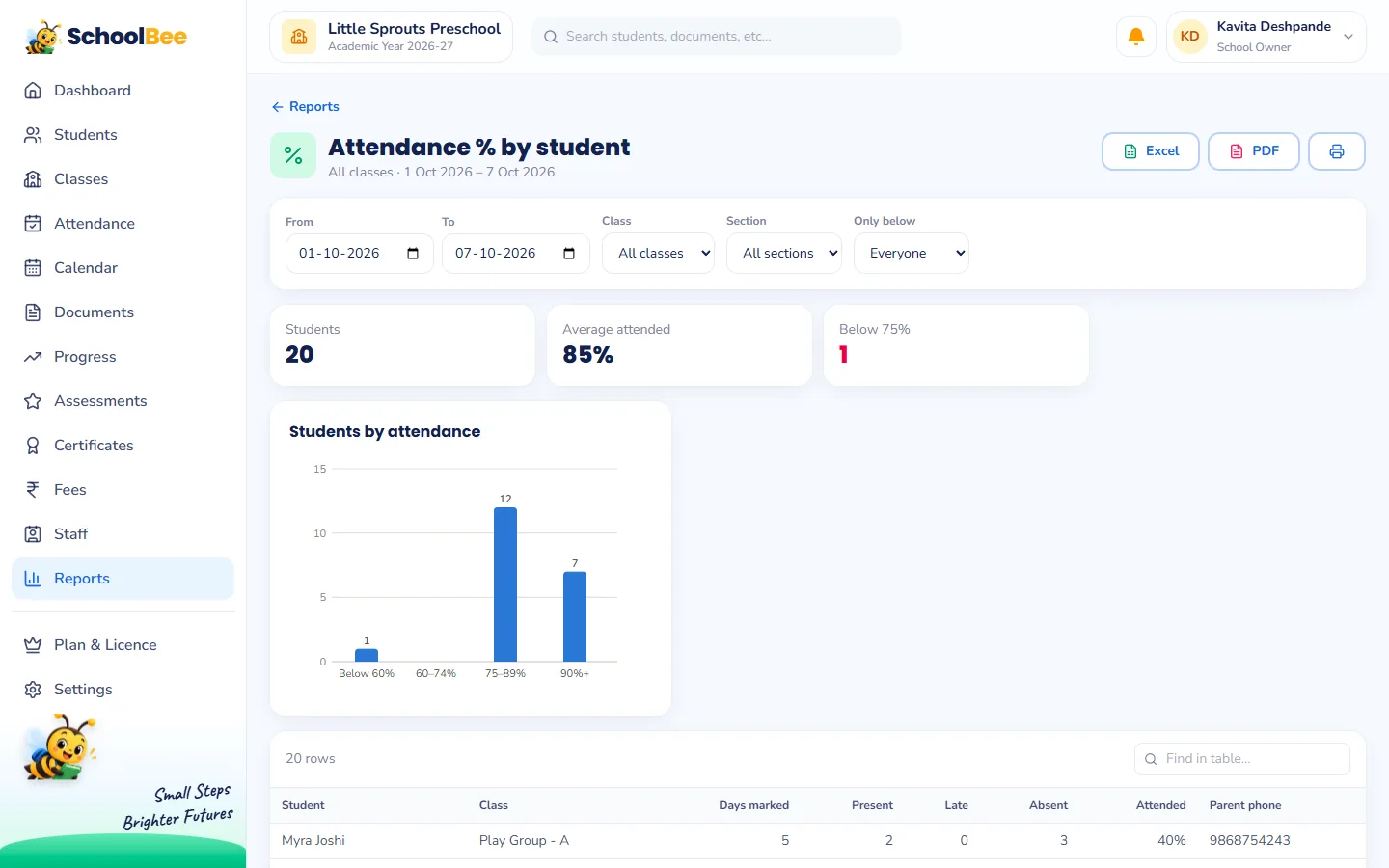
2. Attendance % by student
Each child’s attendance for any period, lowest first. Children who are often away are easy to spot early. See attendance management.
3. Class strength
Active and inactive students per class and section, with boys and girls, which is useful for planning sections and for government forms.
4. Document compliance
Who is missing which required document, and what is waiting for verification. See digital student documents.
5. Payroll summary
A month’s salaries with gross, deductions, net, paid and unpaid, plus a trend by month. Owner only. See staff payroll.
Filters, charts and export
- Filters such as academic year, date range, month, class, section and payment mode.
- Charts like admissions by month, collected vs balance per class or students by attendance band.
- Export any report to Excel for further work, or to PDF for printing and sharing.
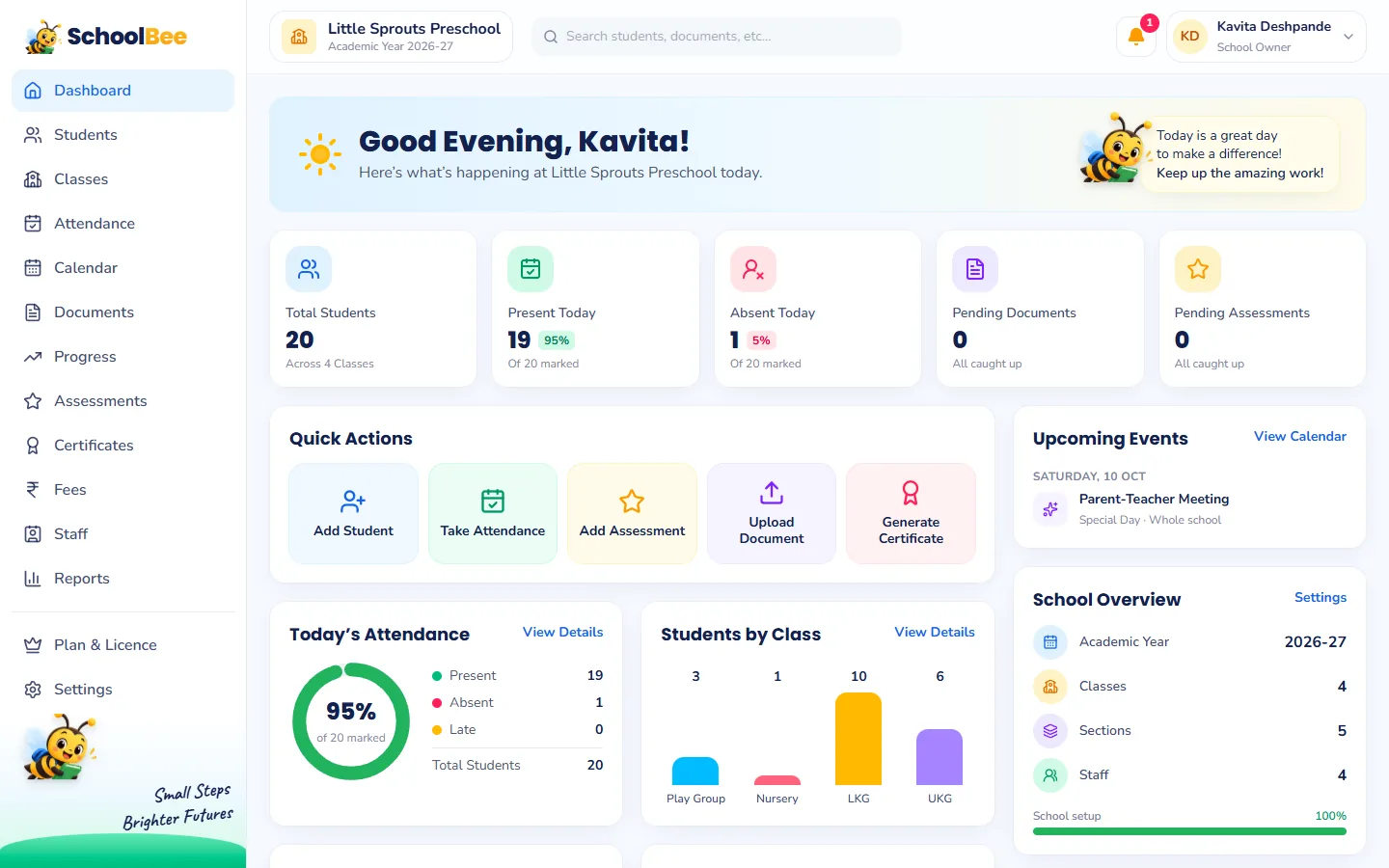
Everyone sees only the reports they are allowed to
Reports follow the same permissions as the rest of SchoolBee. A class teacher sees attendance and result reports for their classes; fee reports need fee permissions; payroll is owner-only. The Reports page simply lists what each person may open.
Some advanced fee, assessment and payroll reports are part of the paid plans; the free trial includes all of them so you can see what you would get.
Frequently asked questions
Can I export reports to Excel?
Yes. Every report can be exported to Excel, and also to PDF for printing.
Can teachers see fee reports?
Only if they have fee permissions. Each person sees only the reports their permissions allow.
Can I see a report for last year?
Yes. Reports with an academic year or date range filter work for any period you have data for.
Is there a report of students with low attendance?
Yes. Attendance % by student lists children lowest first, and Frequent absentees shows those absent several days with their longest run.
Are all reports included in every plan?
Basic reports are in every plan; some advanced reports are in the paid plans. The free trial includes everything.