
At the end of every month a preschool owner sits down with a notebook to work out salaries: who took unpaid leave, who gets a festival bonus, how many working days the month really had. Then come the bank transfers, and a teacher asks for a salary slip for a loan application.
Payroll in SchoolBee turns this into a short monthly routine: review, adjust, approve, pay.
In this guide
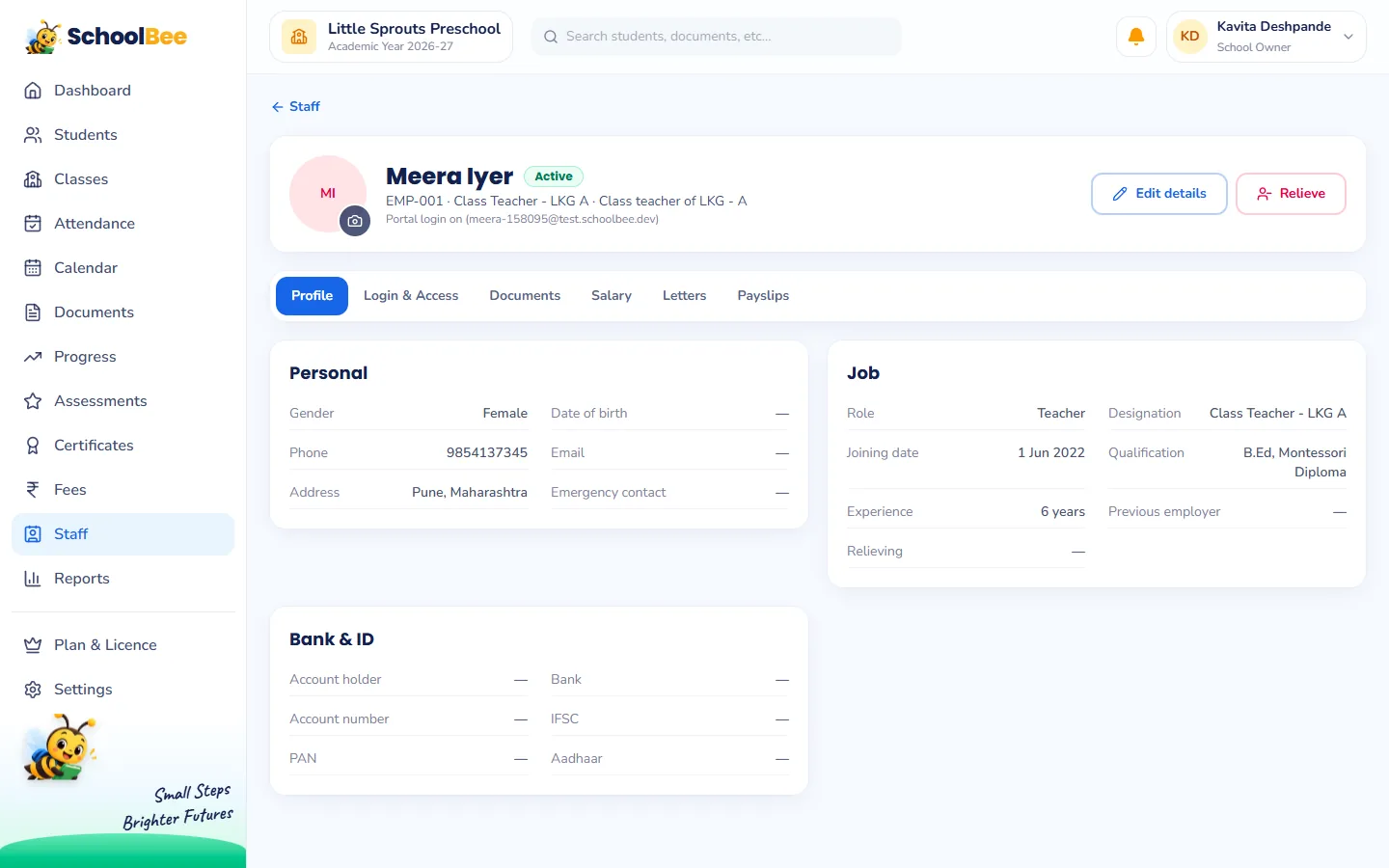
Step 1: Set each person’s salary once
On a staff member’s Salary tab, enter their monthly earnings (for example Basic, HRA and Travel) and fixed deductions (for example PF). You can enter it as monthly pay or as an annual package. A helper or driver might simply have one line called Salary. This becomes the starting point every month.
Step 2: Run payroll for the month
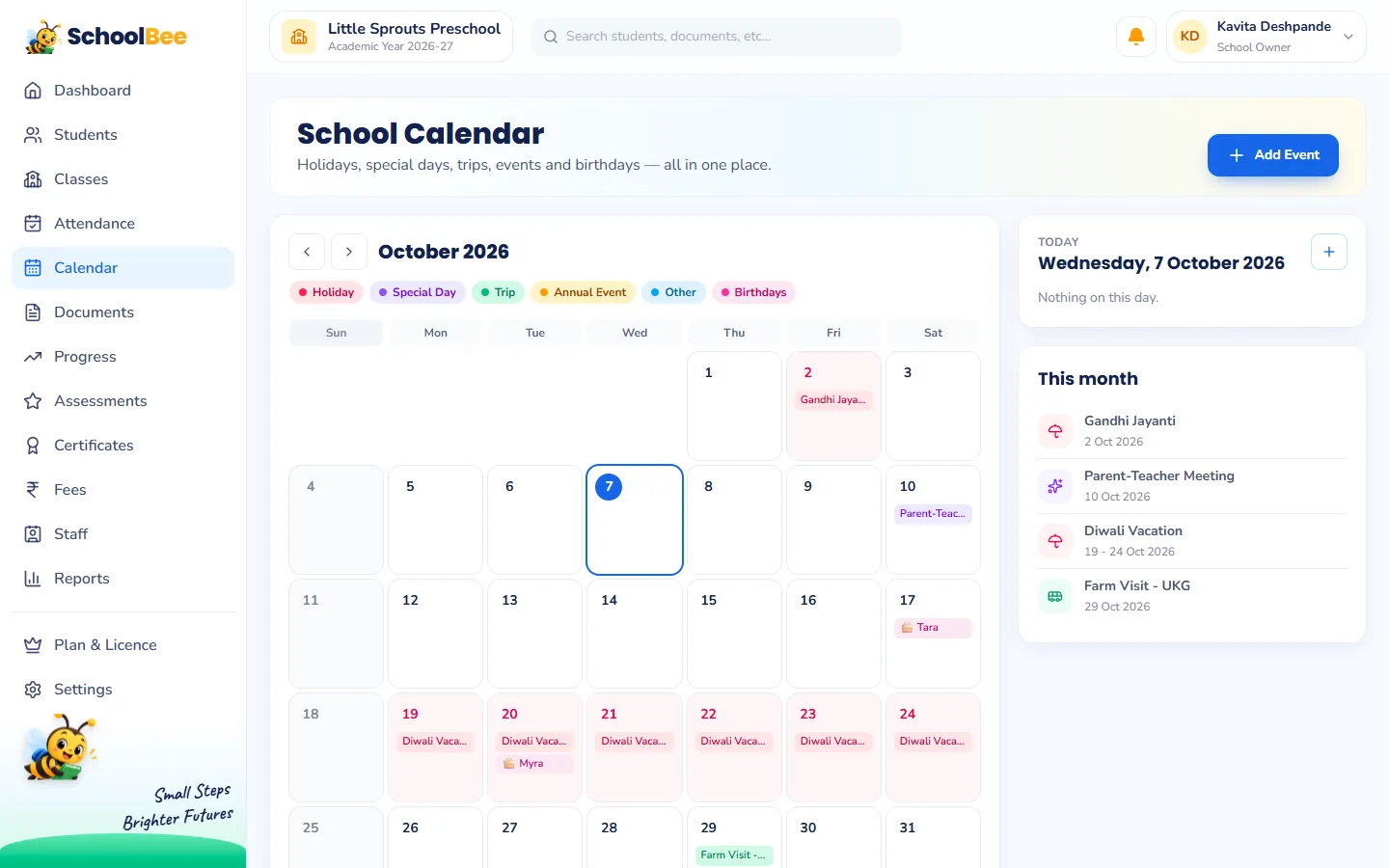
Start a payroll run for the month. SchoolBee creates a payslip for every active salaried staff member and works out the month’s working days from your weekly off days and the whole-school holidays on the school calendar.
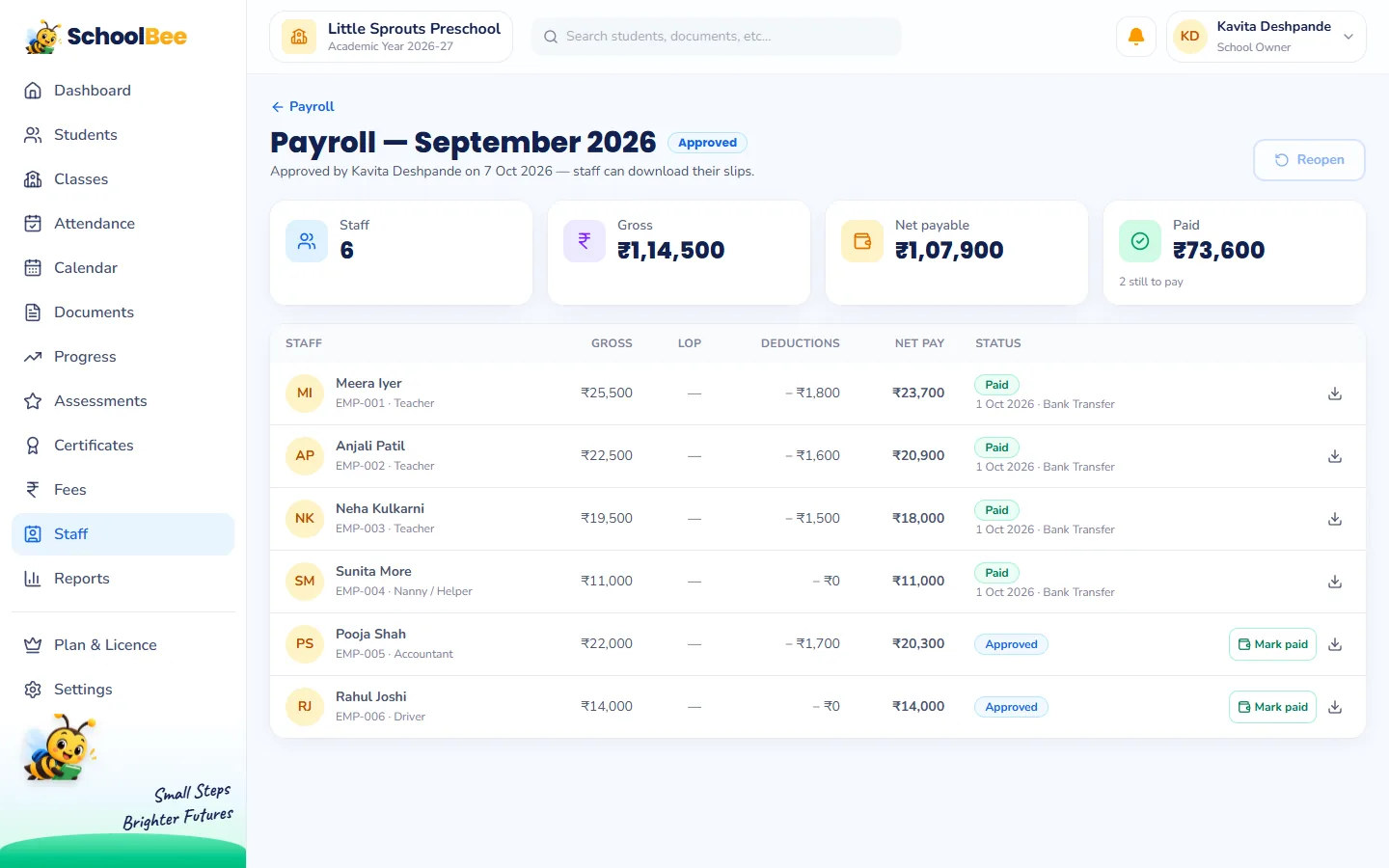
Now add the month’s extras: a bonus or an incentive, and unpaid leave days for anyone who took them. Gross pay, deductions and net pay update immediately.
Step 3: Approve, then pay
Once everything looks right, approve the run. Each staff member can then download their own salary slip from their record. If you notice a mistake, the owner can reopen the run, fix it and approve again.
As you pay salaries, mark each slip as paid with the date and mode (Bank Transfer, Cash, UPI or Cheque) and a reference such as the NEFT number. The run shows how much is paid and how much is still to pay.
Records and reports
- Payslips for every month stay in each staff member’s Payslips tab.
- Payroll summary report: a month’s salaries with gross, deductions, net, paid and unpaid, plus a trend of net payroll by month, exportable to Excel or PDF.
- Owner-only: salaries and payroll are visible only to the school owner.
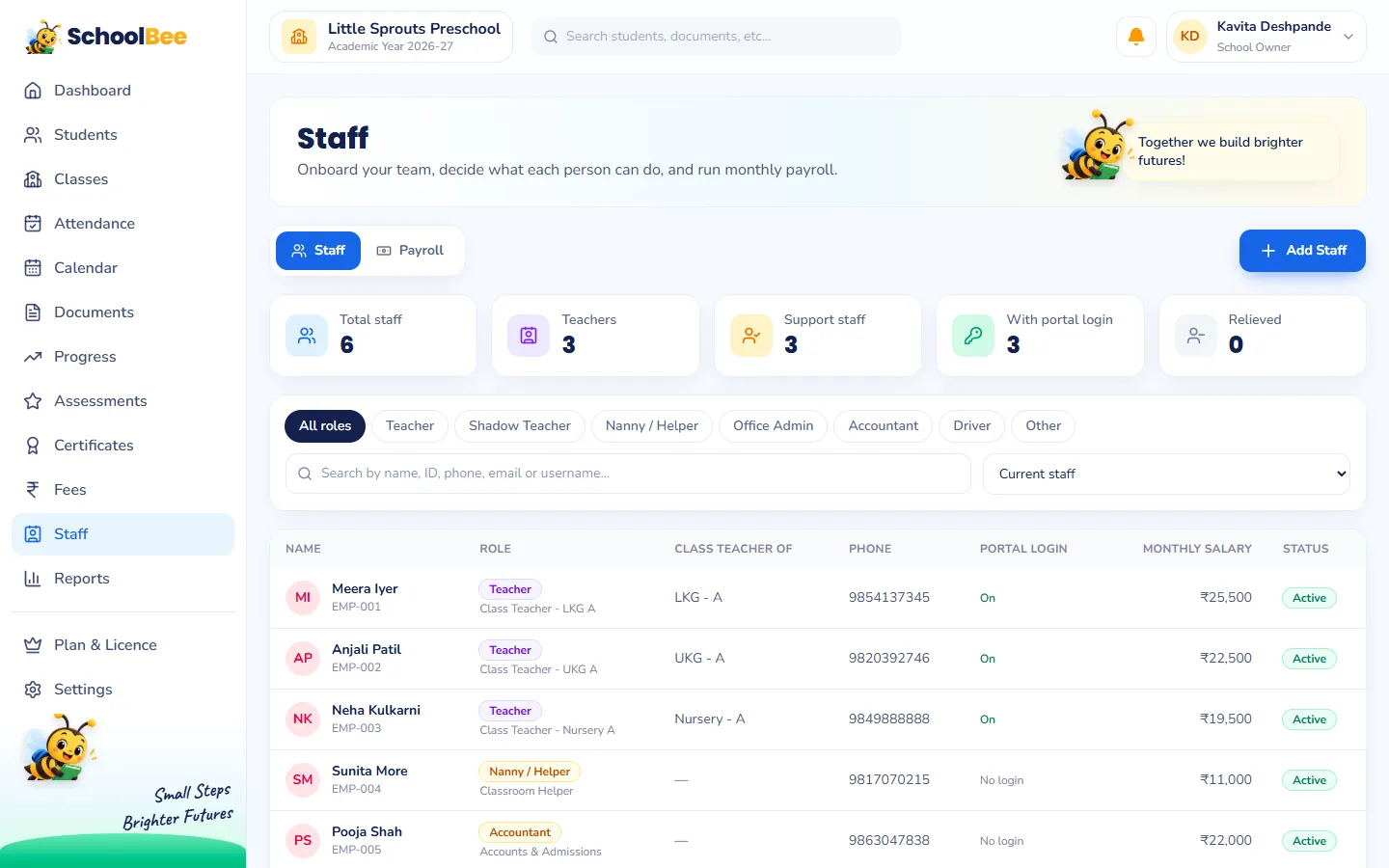
Read more about staff records and logins in teacher and staff management.
Frequently asked questions
Can staff download their own salary slips?
Yes. Once the owner approves a payroll run, each staff member can download their slip from their own record.
How are working days calculated?
From your school’s weekly off days and the whole-school holidays on the SchoolBee calendar. You can also set the working days for a run yourself.
Can I add a bonus for one month only?
Yes. Add bonuses, incentives and unpaid leave days to that month’s payslip without changing the regular salary.
Does SchoolBee transfer salaries to the bank?
No. You pay the way you do today and record each payment in SchoolBee with the date, mode and reference.
Who can see salaries?
Only the school owner. Salaries and payroll are not visible to other staff.