
Parents ask for certificates all the time: a bonafide certificate for a bank account or passport, a school leaving certificate when they move cities, a character certificate for the next school. In many preschools this means opening an old Word file, changing the name, hoping the date of birth is right and printing it on letterhead.
With the certificate generator in SchoolBee, the student’s details are filled in from their record, your logo, signature and stamp are added automatically, and every certificate gets a serial number in a register.
In this guide
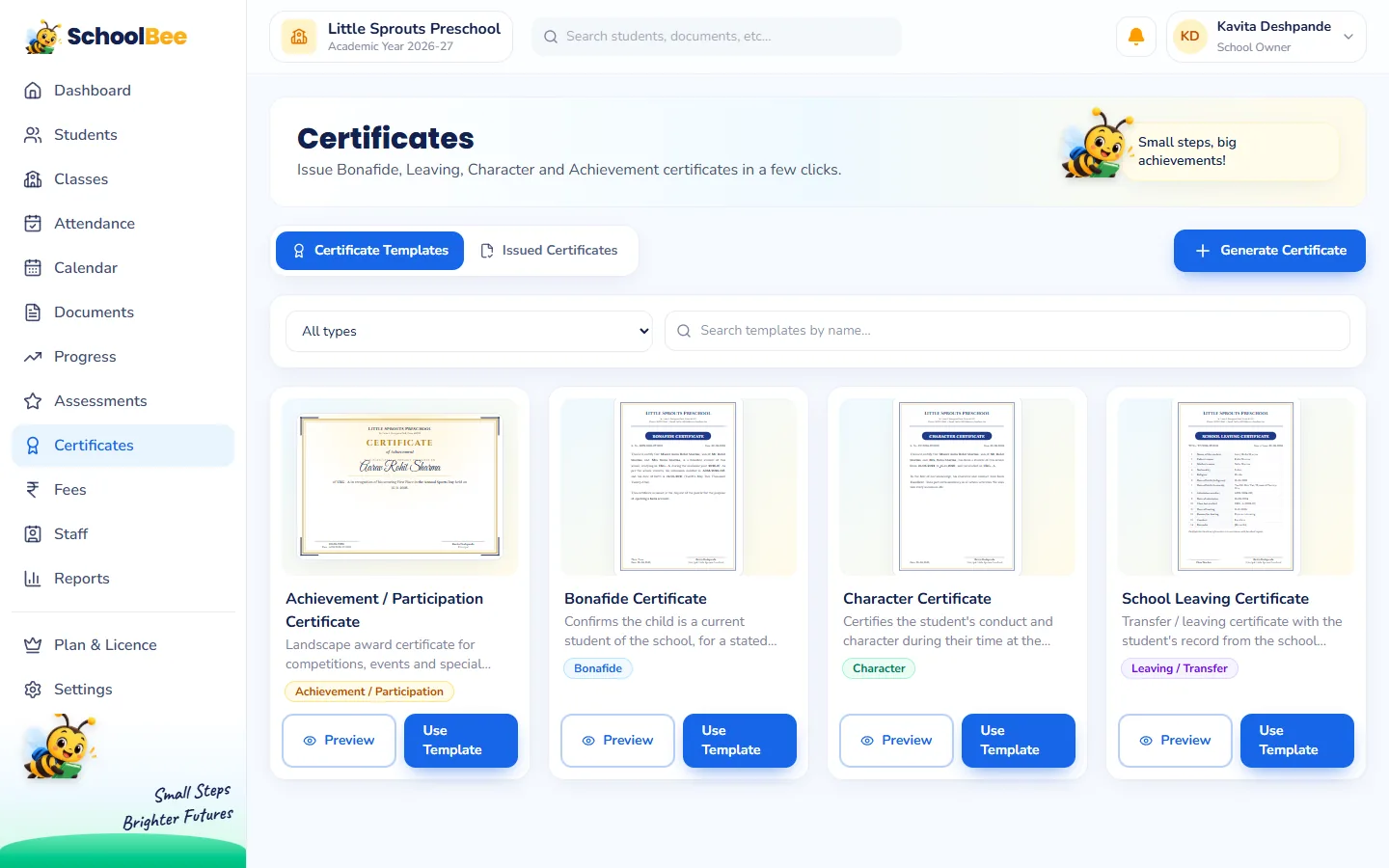
Ready templates for the certificates schools issue most
- Bonafide Certificate: confirms the child studies at your school, for a stated purpose.
- School Leaving Certificate: issued when a child leaves the school.
- Character Certificate: confirms good conduct during the child’s time at school.
- Achievement / Participation Certificate: for competitions, events and annual day.
Every template is professionally designed and shows a live preview with your school’s real name and details, so you see exactly what will be printed.
Generating a certificate, step by step
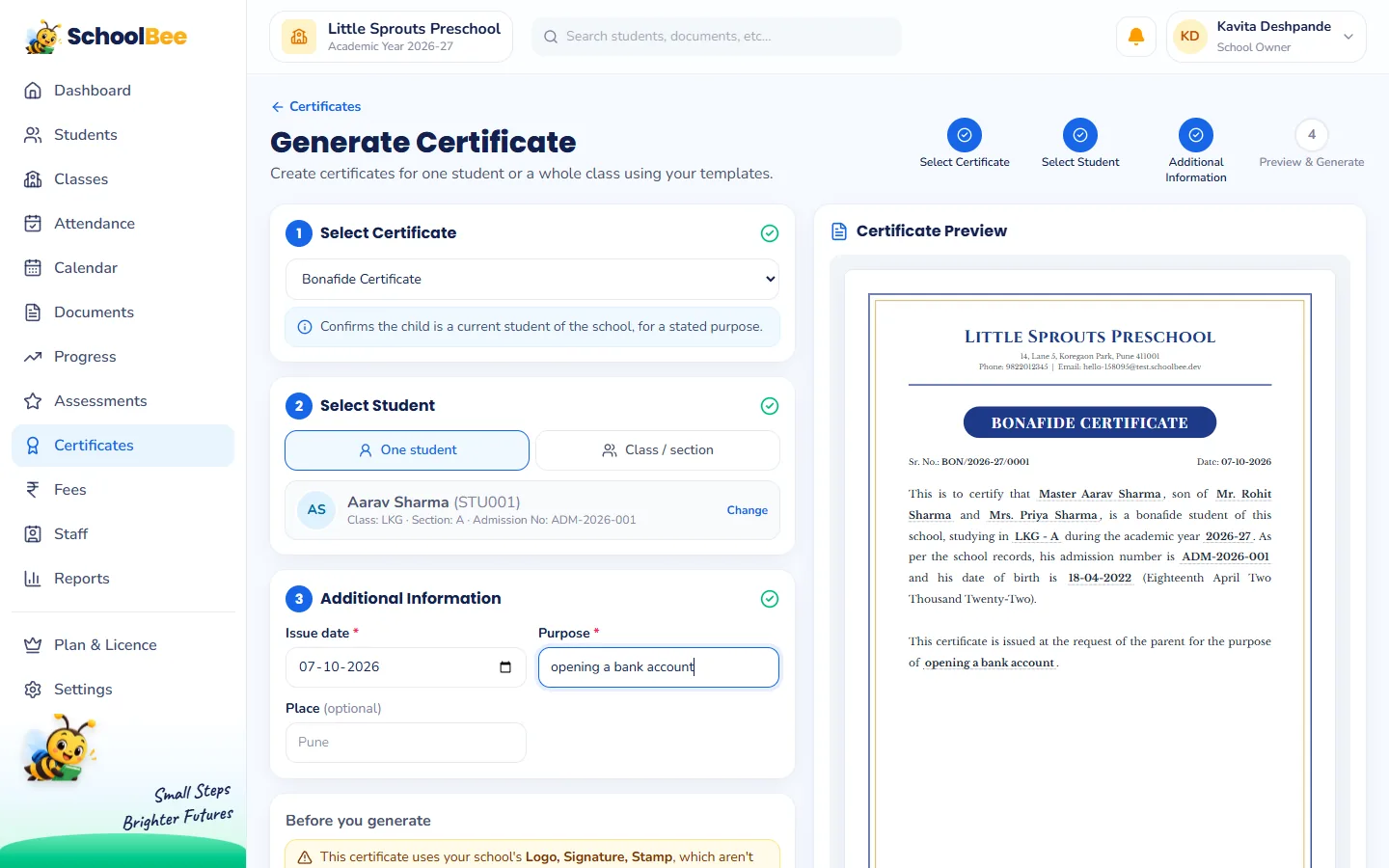
- Choose the template and click Use Template.
- Search for the student by name, ID or admission number. Their class, section, date of birth and parent details come from their record.
- Fill in the few extra fields the template asks for, such as the purpose of a bonafide certificate.
- Check the live preview and the serial number, for example BON/2026-27/0001.
- Click Generate PDF and print or share it.
Bulk certificates for a whole class
Annual Day, a drawing competition or the end of the year in UKG? Pick a class or section instead of one student, untick anyone who should not get one, and generate. SchoolBee renders the certificates one by one in the background, shows progress, and gives you a single ZIP file at the end.
A numbered register of everything issued
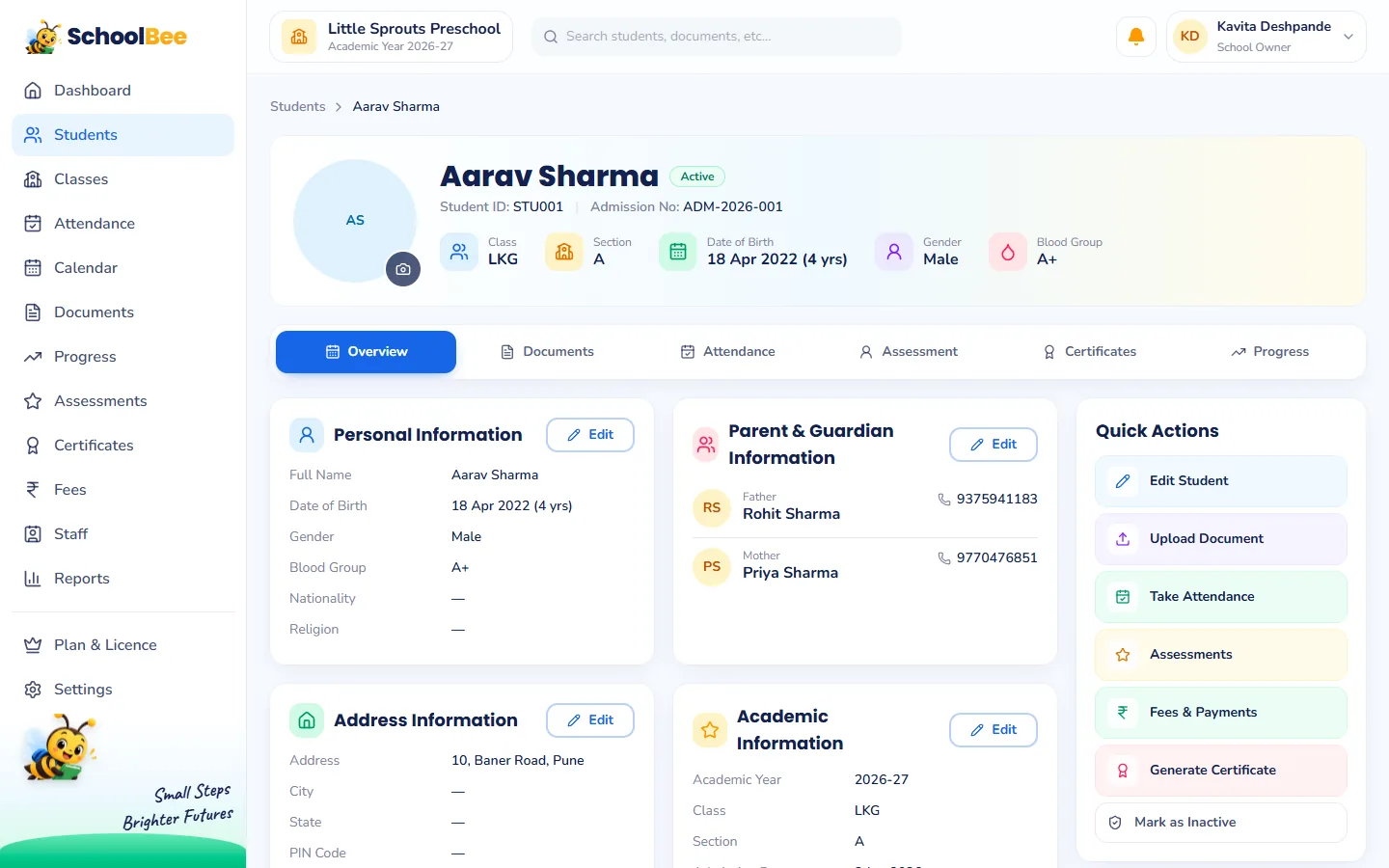
Every certificate lands in the issued register with its serial number, student, date and who issued it. Download any certificate again later, or cancel one issued by mistake. A cancelled serial number is never reused, so your records stay trustworthy. Each child’s certificates also appear on their student profile, and the Certificates register report exports to Excel.
Teachers can browse templates and the register; issuing and cancelling is limited to people you allow, through staff permissions.
Staff letters and progress report cards too
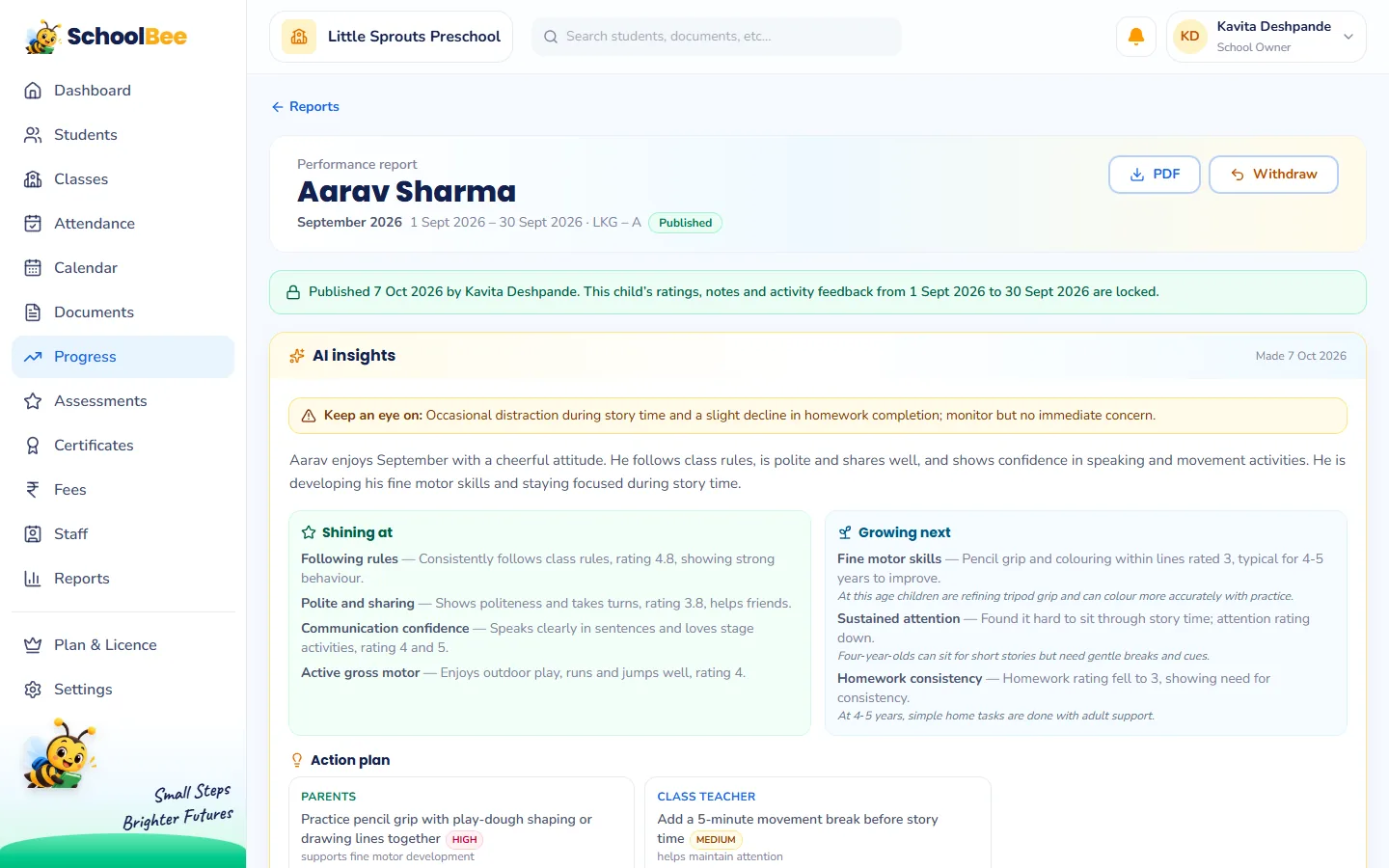
The same template system creates appointment and experience letters for staff. And progress report cards are generated as PDFs with the school logo, class teacher and principal signatures, the stamp and the date of issue.
Frequently asked questions
What is a bonafide certificate?
A bonafide certificate confirms that a child is a genuine student of the school. Parents often need one to open a bank account, apply for a passport or claim an allowance.
Can I add my school logo and stamp?
Yes. Upload the logo, principal’s signature and stamp once in School Settings and they appear on every certificate.
Can I generate certificates for a whole class?
Yes. Choose a class or section, select the students and generate them together. You get a ZIP file of all the PDFs.
What if I issue a certificate by mistake?
Cancel it from the register. It stays recorded as cancelled and its serial number is never reused.
Can I create ID cards?
Student ID card templates are not included at the moment. Bonafide, leaving, character and participation certificates are ready to use.